← Choose another workflow

Digital submission

Connect your scanner.
Or upload directly.

Scanner account IDs are supplied during clinic onboarding. You can still submit the Rx and upload the full case package directly below.

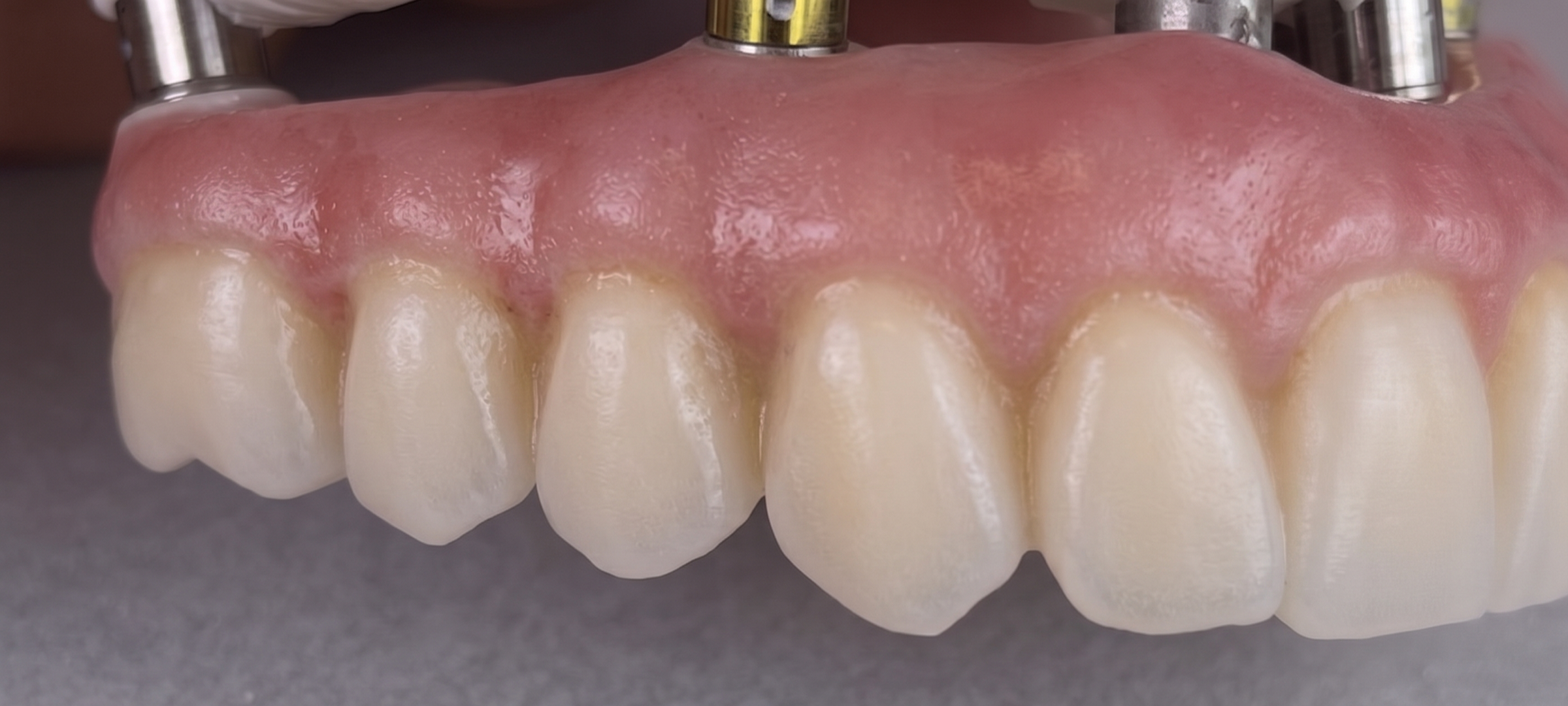
Detailed implant-supported restoration crafted by Gyeol Dental Art Studio

Scanner connection guide

Choose your digital source.

The studio has not published public scanner IDs. Contact Gyeol once to connect your clinic account, then select the studio as your laboratory for future cases.

01

Carestream

  1. Ask the studio to connect your clinic.
  2. Open the case in CS Connect.
  3. Select Gyeol Dental Art Studio.
  4. Send scans with your case reference.
02

iTero

  1. Contact the studio for the lab connection.
  2. Add Gyeol as a laboratory partner.
  3. Complete your scan and Rx.
  4. Send with the matching case reference.
03

exocad

  1. Request the studio connection details.
  2. Export the complete case package.
  3. Include scans and prescription records.
  4. Upload the ZIP package below.
04

3Shape

  1. Ask the studio to connect in Unite.
  2. Select Gyeol as the receiving lab.
  3. Review the scan and order details.
  4. Send with the same case reference.

Need the connection details? Call (780) 655-2347 or email Gyeoldentalart@gmail.com.

Direct upload portal

Digital Case Rx & Files

Upload ZIP packages, STL files, PDFs, and clinical photographs alongside the prescription.

01 Practice & schedule
02 Patient & restoration

Restoration type

Implant design, if applicable

03 Design & aesthetics
04 Records & instructions

Requested dates are reviewed by the studio and are confirmed only after follow-up.